In the main interface of the inventory server application, all inventories performed, whether they are open or have been closed, will be displayed. The data transmitted from the handheld terminals will be updated in real time in the corresponding inventory.
The list with open inventories will be visible in the application in the handheld terminals and it will be possible to take inventories of the items using the handheld terminals. Once an inventory has been completed, it must also be closed from the server application by pressing the <Validate> button, so the inventory will no longer be available in handheld terminals.
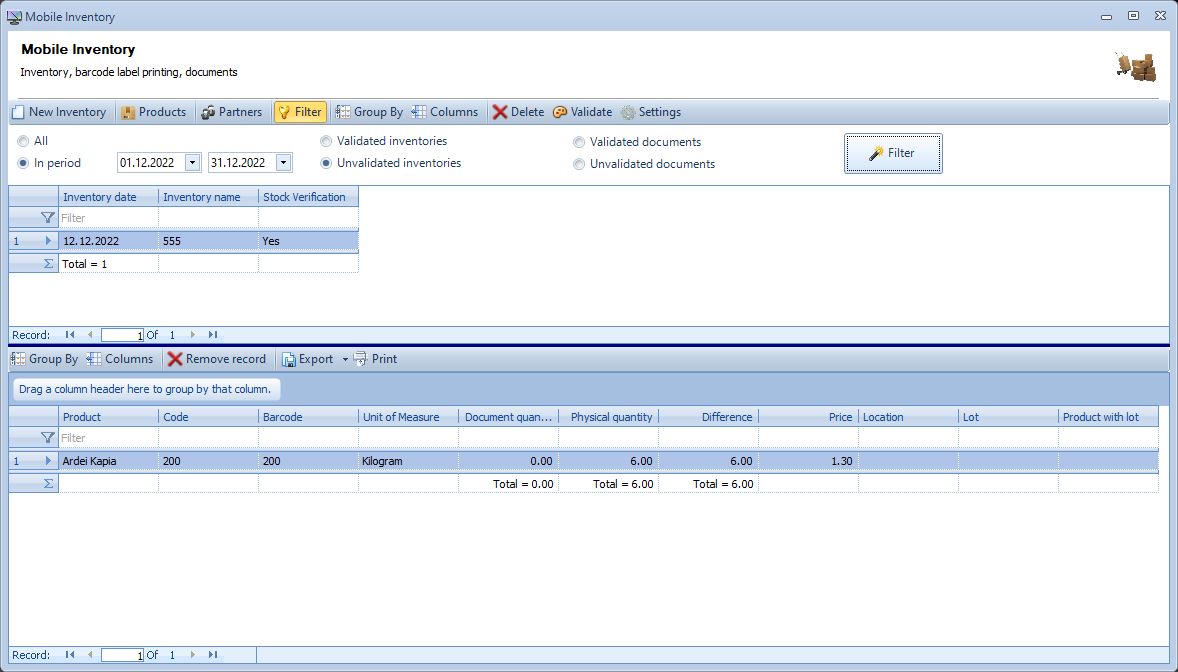
Any time a closed inventory can be reopened. Any closed or open inventory can be exported to Excel or CSV file from the server application.