Add Barcode object to the label
•Select Barcode object  from the toolbar.
•Point the location in the label and click where you want the barcode to be placed.
•Barcode appears on the label.
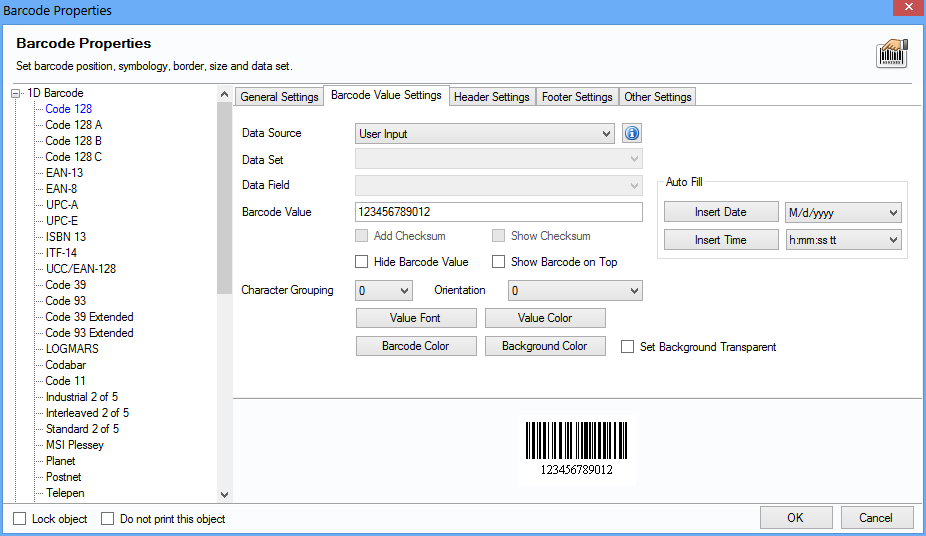
Double-click the Barcode object created in the label, the following screen appears to modify the Barcode Properties.