Rosistem Server (Rosistem Server yyyy.mm.dd.xxxx Setup.exe) contains the database for the application and the web server for communication between portable data terminals and the backoffice application. Rosistem Server use 7785 port and 7786 port for communications on TCP/UDP.
To install Rosistem Server, you must have the following frameworks installed:
•Microsoft .NET Framework 2.0
•Microsoft .NET Framework 3.5 SP1
•Microsoft .NET Framework 4.6
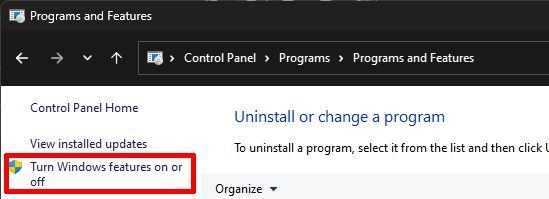
Before installing Rosistem Server please verify that the IIS is installed on the computer. Enter in the Control Panel -> Program and Features and choose Turn Windows features on or off.
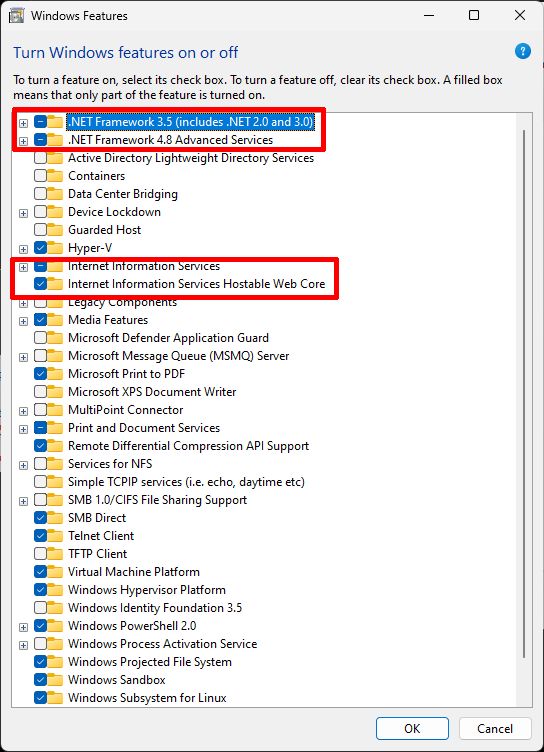
Select the Internet Information Services and Internet Information Services Hostable Web Core to install and click OK.
For installing Rosistem Server please follow the setup steps.
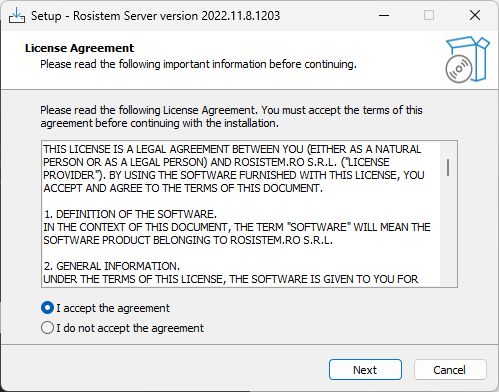
First, accept the license and click Next.
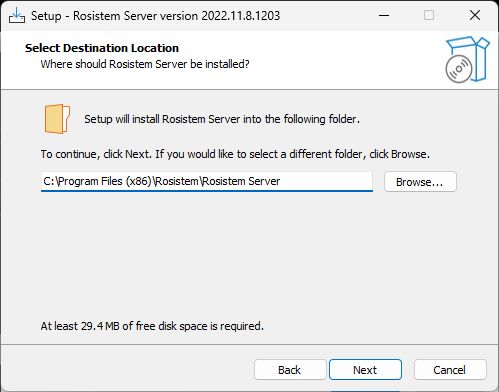
Next step is to specify the location where the server will be installed and then click Next.
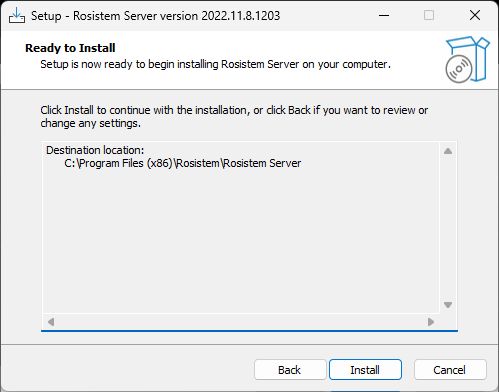
When you are ready to install the server, click Next.
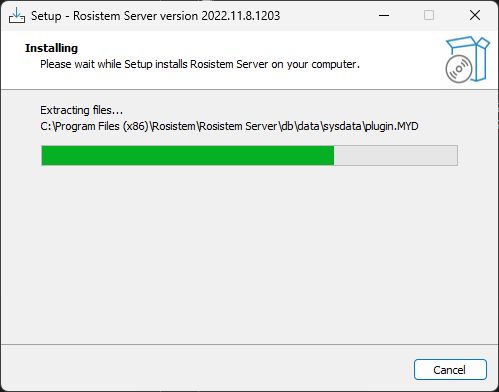
The installing progress will be shown on screen. Do not click Cancel button!
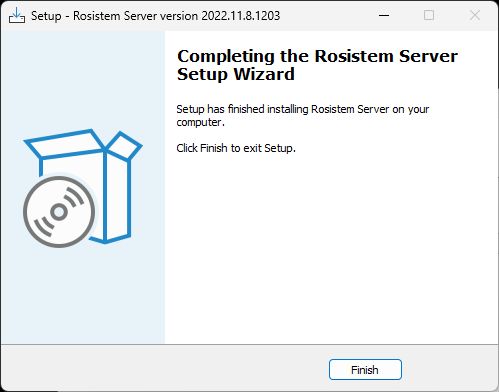
After the server installation is finished you need to click Finish to confirm the server installation.