Download the installation package from the address received by email or from the address specified in the license certificate.
The Mobile Inventory system is composed of:
•the Rosistem Server application server;
•the BackOffice application running on fixed stations;
•the mobile application running on Android terminals.
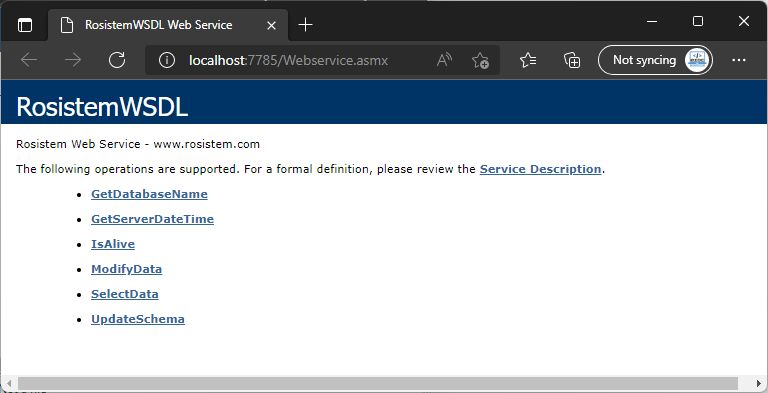
To install the Rosistem Server, follow the steps in the installation kit. After installing the application server and addon, you can check if the application server is properly installed by accessing http://localhost:7785/Webservice.asmx
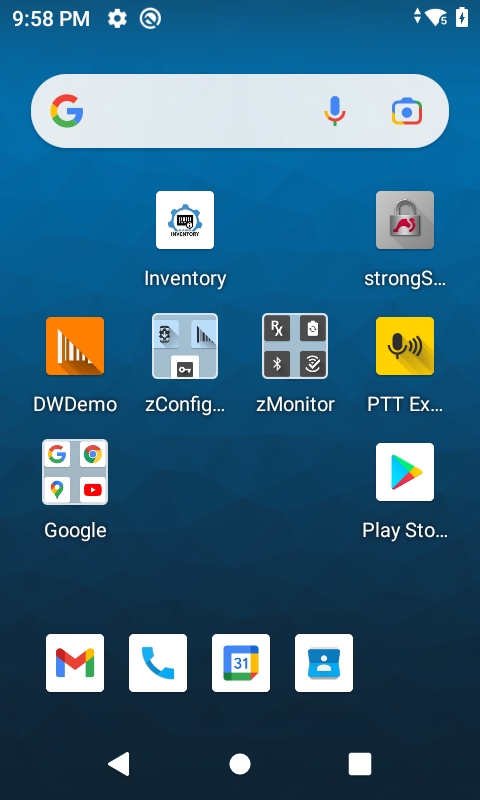
To run the Mobile Inventory application on the Android devices, use the Inventory icon.